
Building a Personal Consultant AI System - Architecture and Learnings
A deep dive into designing and implementing a production multi-agent AI system with Universal File Context architecture, managing daily operations and comprehensive life optimization.
Introduction
Over the past few months, I've been building something that has fundamentally changed how I approach productivity, financial management, and life optimization: a Personal AI Infrastructure system featuring 15 specialized AI agents orchestrated through a sophisticated context management system.
What started as a proof-of-concept has evolved into a production system managing numerous aspects of my day-to-day life, tracking health statistics (including my parkrun records), automating my daily workflow, and serving as a comprehensive portfolio piece for my career transition to AI.
In this post, I'll share the architectural decisions, technical challenges, and key learnings from building a real-world multi-agent AI system.
The Problem: Context Overload
Anyone who has worked extensively with AI assistants like Claude knows the challenge: context management. Each conversation starts fresh, requiring you to repeatedly explain your goals, preferences, current projects, and domain context.
For complex life management scenarios — spanning finances, health tracking, career development, and technical projects—this becomes untenable. I needed a system that:
- Maintains persistent context across all interactions
- Specializes agents for specific domains (finance, health, career)
- Loads context efficiently without token bloat
- Integrates with real systems (FreeAgent, LinkedIn, Parkrun, Gmail)
- Scales as new agents and capabilities are added
The Solution: Sub-Agents and Universal File Context (UFC)
When Anthropic first released sub-agents, this was the first breakthrough. By having one master agent that delegates tasks to a dedicated sub-agent focused on a specific domain, I was able to keep the context window of the main orchestrator clean, with the heavy lifting done by the sub-agent who has its own context window to handle the detailed task at hand.
Later, I stumbled across a post by Daniel Miessler where he similarly built his own Personal AI Infrastructure using what he terms a Universal File Context (UFC) architecture (https://danielmiessler.com/blog/personal-ai-infrastructure). The idea is that your agent can provide great responses if it has very deep context, but to do that you cannot bloat the context of the agent with the same depth across everything. You need to be able to load the right depth on a specific topic when that topic is relevant to the question being asked.
His breakthrough was designing a two-tiered context system that provides enormous context efficiency while maintaining complete system intelligence. The first tier is the core context, which contains information about myself, my goals and objectives, high-level information on the core projects I am working on, and high-level information on the various tools that Claude has access to when performing tasks on my behalf. This is always loaded into memory first so that Claude has information about me as well as a kind of "map" of projects and tools and where to find them. The second tier contains the detailed information on the projects and tools; this context is only loaded if relevant to the question being asked. The high-level map from tier 1 pinpoints the location where this additional detailed context can be found, such that when a specific question is asked, the detailed context can be loaded to provide much more information to answer the query.
Two-Tier Context Architecture
Always Loaded (Full System Awareness)
├── Profile Context (core identity, goals, objectives)
├── Active Projects (all current initiatives at summary level)
└── Tools Context (complete agent portfolio + integrations)

Conditionally Loaded (Detailed Implementation)
├── Project Directories (implementation details when needed)
├── Agent Definitions (full specifications for complex queries)
└── Tools/Services/Integration Details (API documentation, schemas)
Key Features
1. GTD and Goals-First Alignment As a big fan of David Allen's Getting Things Done (GTD) methodology for productivity, I was eager to incorporate it into my infrastructure. Starting with the Horizons of Focus, I have:
- Purpose & Principles (50k)
- Vision (40k)
- Goals (30k)
- Areas of Focus (20k)
- Projects (10k)
- Next actions (runway)
All are captured within my Obsidian Vault (https://obsidian.md/), where I keep all of my notes and information. Every agent action connects to my GTD horizons, ensuring that everything I do is aligned with where I am trying to get to.
I also have specific agents that help me with other GTD-related tasks, such as the project-setup-review-agent that helps establish new projects and review those already underway, the weekly-review-agent that helps with the weekly review in accordance with the GTD methodology, and the horizons-reviewer-agent that helps reassess my horizons of focus when required. Finally, the gtd-task-manager-agent captures tasks in exactly the right manner and with the correct tagging so that I can keep track of any action raised anywhere in my Obsidian vault.
2. Tools-First Protocol To be useful, my personal assistant needs to be able to do things on my behalf — it cannot just have a brain; it must have hands too! For this purpose, I have various tools and integrations.
Tools: These are tools built into Claude natively, including:
- Gmail/Calendar Model Context Protocol (MCP) servers → Email/calendar operations to enable my agents to read and write to my email and calendar
- File system access → Enabling Claude to read and write to files on my computer (directories that I give it access to)
- Web search → To perform research on my behalf
Integrations: These are specific integrations where I am able to call an API to get results, including:
- FreeAgent API → Allows me to speak natural language to my agent, who can interact with my accounting software to raise invoices, check balances, and more (a huge time saver on a really dull task!)
- LinkedIn API → Career development—allows me to post directly to LinkedIn
- Parkrun API → Although parkrun does not have a public API, Claude was able to build a bespoke one for me, allowing me to track my weekly parkrun activities
- Health Service → A bespoke service running on my home server that receives data from the Apple Auto Export app every four hours and saves the data to a database. This service also exposes an API to enable my Health Agent to query any of my Apple Health stats (5.3 million records covering 10 to 15 different metrics)
- Owntracks API → Location intelligence using Owntracks (https://owntracks.org/) on my phone, continuously logging my location and sending it back to my home server. This server can then be queried by my location agent to answer any questions about where I have been (a bit over the top, but it scratches my quantified-self itch!)
- Fabric → Another brainchild from Daniel Miessler, this repository contains over 200 crowd-sourced prompts to do all manner of interesting things. My implementation differs from his, as I have the inventory of prompts running as a service on my home server, which can be called using a bespoke API by my agents. I also built my own user interface allowing me to browse the library of prompts (accessible via https://fabric.gavinslater.co.uk/).
3. Agent Specialization Each agent has a specific domain:
- Personal Consultant - Master orchestrator with goal alignment
- GTD Agents - Four agents already mentioned above to manage my GTD implementation
- Financial Agent - Managing my invoicing and accounting
- Health Agent - Managing my health and well-being, including accessing stats for Parkrun and Apple Health
- Location Agent - Querying my location information as well as activity detection (for example, detecting snowboarding through patterns that identify going on chairlifts and descending back down the mountain, or the stop-start nature of a golf round—particularly tricky to model, but after a week of golf every day, Claude had some good examples to work with to recognize the patterns)
- Knowledge Manager - Obsidian integration updating files in my Obsidian vault
- Content-Processor-Agent - Agent that calls the Fabric API to run prompts from the prompt library, for example if I want to "extract-meaning" from a particular song I would use the fabric slash command as follows: /fabric extract_song_meaning Bat out of Hell by Meatloaf
4. Custom Slash Commands Claude also has what are called custom slash commands, which allow you to perform routine tasks by customizing a prompt to follow a specific routine. I have three in particular that I use regularly:
/daily-brief: The first part of the prompt is the stated purpose, and for my daily brief command the purpose is: "Generate a personalized daily news briefing by analyzing Gavin's interests from UFC context files and curating relevant current events from the past 7 days ONLY." This produces a file in my Obsidian Vault with a nice summary of relevant articles I might want to read further, rather than having to scroll through generic web searches to find them myself.
/daily-journal-morning: This is the command that sets me up for the day. It is a two-phase morning workflow: (1) Complete yesterday's daily note with actual data from my health and location agents, (2) Plan today with a fresh briefing. As part of this briefing, it will:
- Extract my sleep data from the previous night
- Review health stats from the past week
- Review my calendar for the day for any appointments or time blocks booked out
- Extract any to-do items from my GTD dashboard
- Fetch the weather forecast for the day
Based on the above data, it will add sections to my daily note for the day with the following:
- Weather (with any context relevant to my planned activities)
- Last Night's Sleep (data + energy assessment)
- Morning Energy Outlook (based on sleep and past week's health stats)
- Morning Plan with:
- Today's Schedule (calendar events + available blocks)
- Top Priorities (tasks fitted to available time)
/daily-journal-evening: At the end of the day before bed, I run this command. It serves as a reflection on the day's events using actual location data and context from my calendar to provide a more factual assessment of where I have been and what I have been doing. It will review any action items from my GTD actions that were completed and assess how I did on getting through that list. It also tracks how I have been doing on various habits I am currently tracking (for example, my evening exercise routine).
Lessons Learned
1. Start Simple, Scale Gradually
I didn't build all of the agents at once. I started with:
- Personal Consultant (orchestrator)
- FreeAgent Invoice Agent (immediate business value)
- Daily Brief (sustainable daily habit)
Then I gradually added specialized agents as needs emerged. When you are suggesting ideas to the agent, it really loves to please and is often too eager to add lots of additional functionality — resist, as it can always be added later once the base case is working as intended.
2. Context Efficiency is Critical
The UFC architecture's context efficiency isn't just about token savings — it fundamentally improves response quality by reducing noise and focusing on relevant information.
3. Documentation is Infrastructure
When building sub-agents, skills, or custom slash commands, you always need to remind Claude to follow Anthropic's documentation, as it is the foundation for reliable, maintainable agents. Clear specifications prevent drift and enable collaboration. Similarly, as I add new functionality, I always add a relevant README.md file as a form of documentation so that I can retrace both my own thinking and the actual implementation.
4. Quantified Self Enables Optimization
This is more my own personal preference, but by tracking everything (finances, health, productivity, location), I feel both more motivated, and the AI can identify patterns and suggest optimizations I would never notice manually.
Future Enhancements
The system continues to evolve, but for now, there is still plenty of fine-tuning to be done on the existing implementation. My problem is not searching for the next idea to implement (I have many!) but rather limiting my time and energy to focus on those that will add the most value.
Conclusion
Building a Personal AI Infrastructure isn't just about automation—it's about intelligent augmentation of human decision-making. The UFC architecture proves that with thoughtful design, multi-agent AI systems can manage real-world complexity while remaining maintainable and efficient.
The future of personal productivity isn't generic AI assistants—it's specialized, context-aware agent systems tailored to individual workflows and goals.
Want to learn more? Check out the Personal AI Infrastructure project page for detailed technical specifications, code examples, and architecture diagrams.
Questions or feedback? Connect with me on LinkedIn or follow my journey transitioning from risk management leadership to AI engineering.
Related Articles
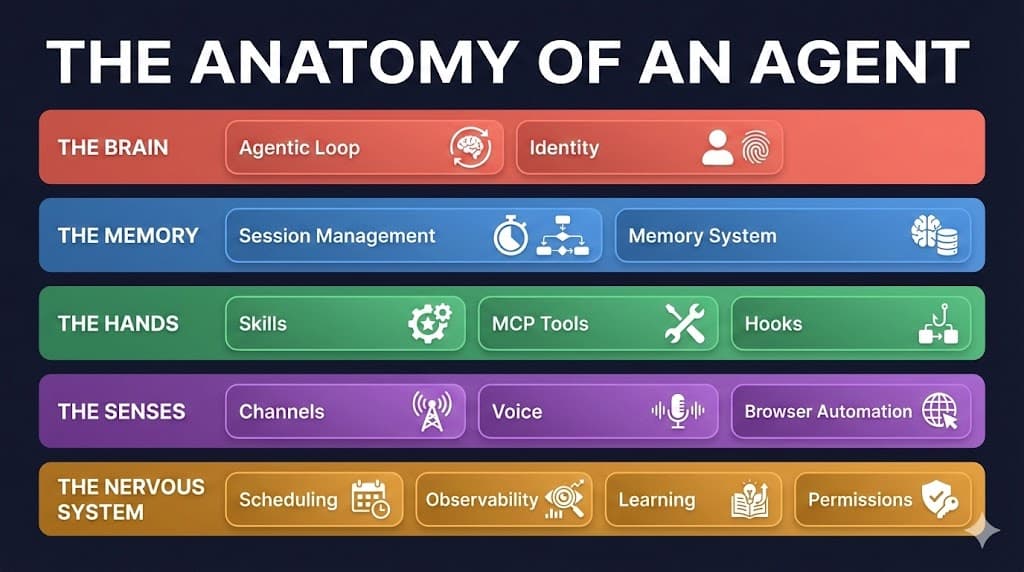
The Anatomy of an Agent: What's Actually Inside These AI Systems Everyone's Talking About
A leaked Signal chat, a personal AI project, and a viral open-source agent with 180k GitHub stars. Together they reveal what an agentic system actually consists of and why the same architecture powers both a personal assistant and an enterprise platform.
Feb 9, 2026
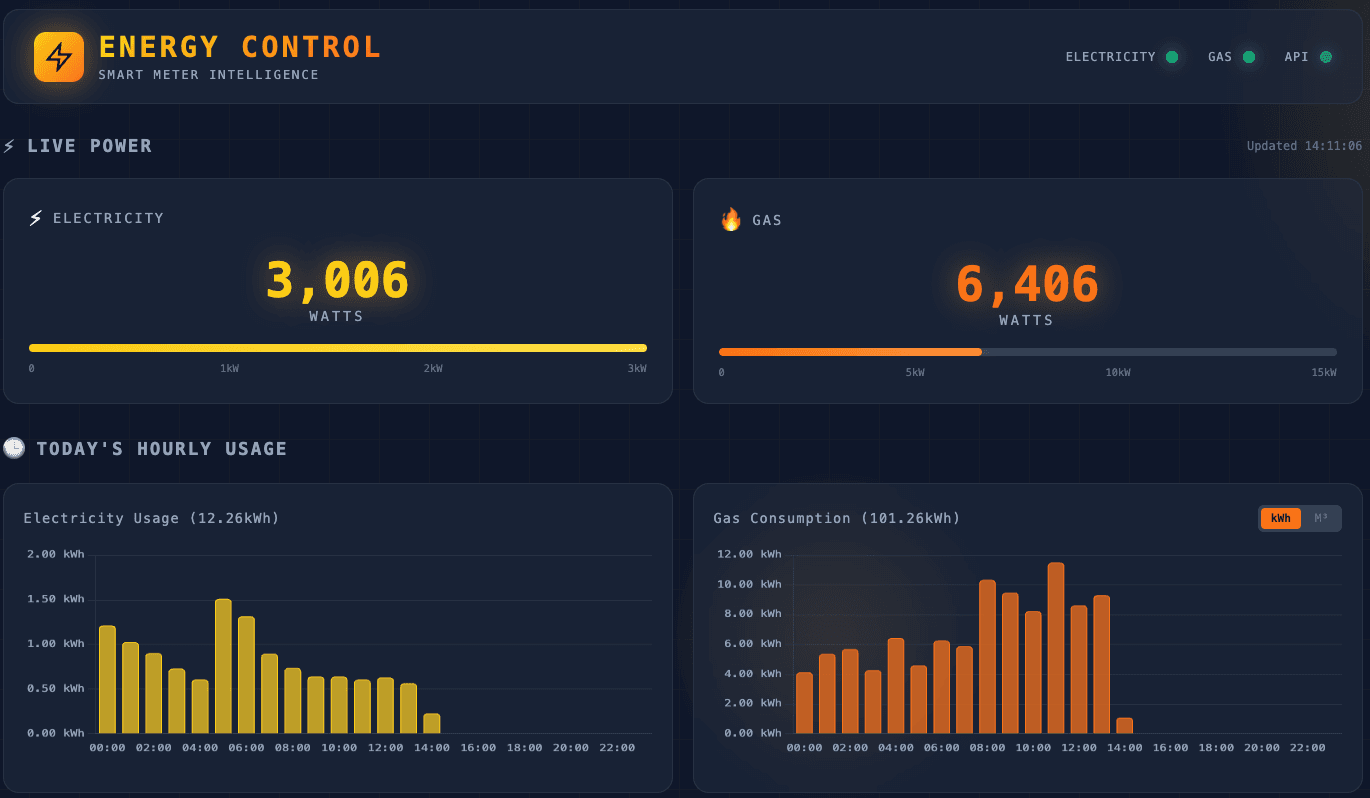
Building on Success: From Water Bills to Real-Time Energy Monitoring
Following the success of my Thames Water dashboard, I built a real-time energy monitoring system. This time with proper APIs, live data every 10 seconds, and years of historical consumption at my fingertips.
Dec 28, 2025
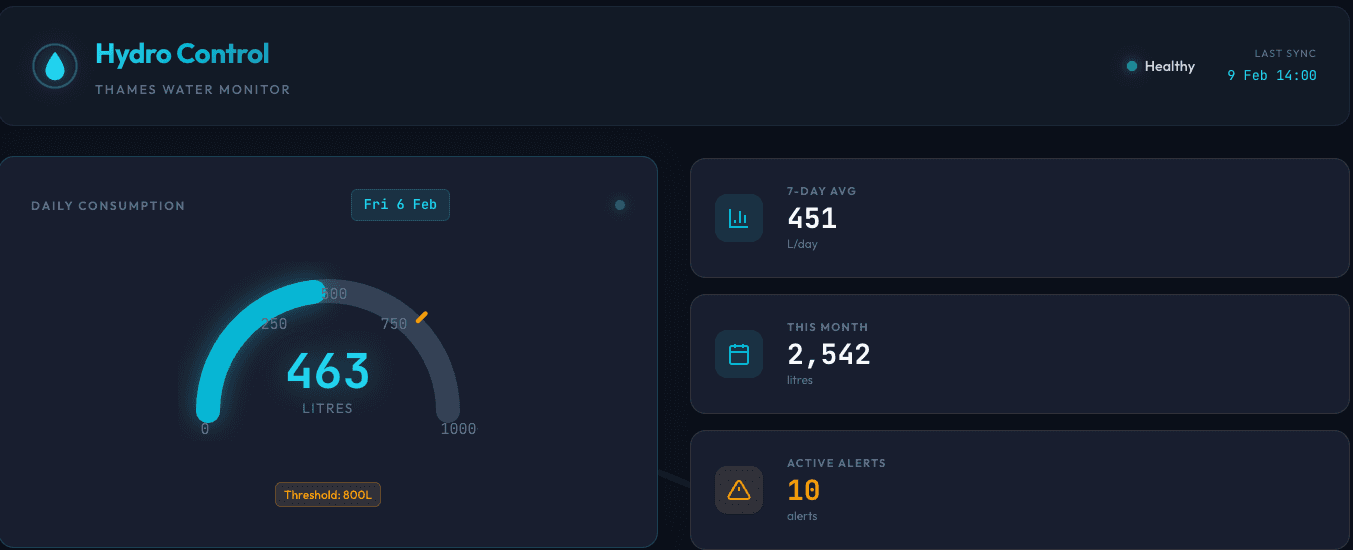
When Your Personal AI Consultant Helps You Think Bigger: From a crazy Water Bill to a Learning Opportunity
a shocking bill, a tendency to procrastinate, and a philosophy about keeping humans in the loop led me to build something far more valuable than I expected.
Dec 22, 2025